Smart documents
Information is connected to avoid duplication and provide end-to-end traceability throughout the entire design process.
Product tour
XKEMA lets you react to constant market demands and respond quickly to changes, iterations and new priorities, without losing documentary control.
Feature map
These are the pieces that turn “loose documents” into a hardware control system: traceability, governance, collaboration and integrated viewers.
Information is connected to avoid duplication and provide end-to-end traceability throughout the entire design process.
Jump from requirement to document, from document to component and from component to project to understand the real impact of every change in seconds.
Clear pages for components and boards where critical information stays visible and always up to date.
Detect at-risk references and plan replacements with a traceable technical decision before it becomes urgent.
Freeze milestones and revisions so you always work on a controlled documentary state.
Collaborate by team while controlling access without losing complete traceability of the information.
Share documentation through contextual links for a fast review without attachments.
Review documentation and artifacts without leaving the app to preserve the full technical context.
Automate repetitive tasks and record decisions to build reusable knowledge.
Start with a small, real project. You will quickly see less rework, more clarity and more agile decisions, without heavy processes.
Inside the app
Open a Gerber viewer to inspect layers, check details and review manufacturing status without leaving XKEMA.
Open the viewer full size to perform a visual review and understand how it fits into your validation workflow.
Explore Gerber viewer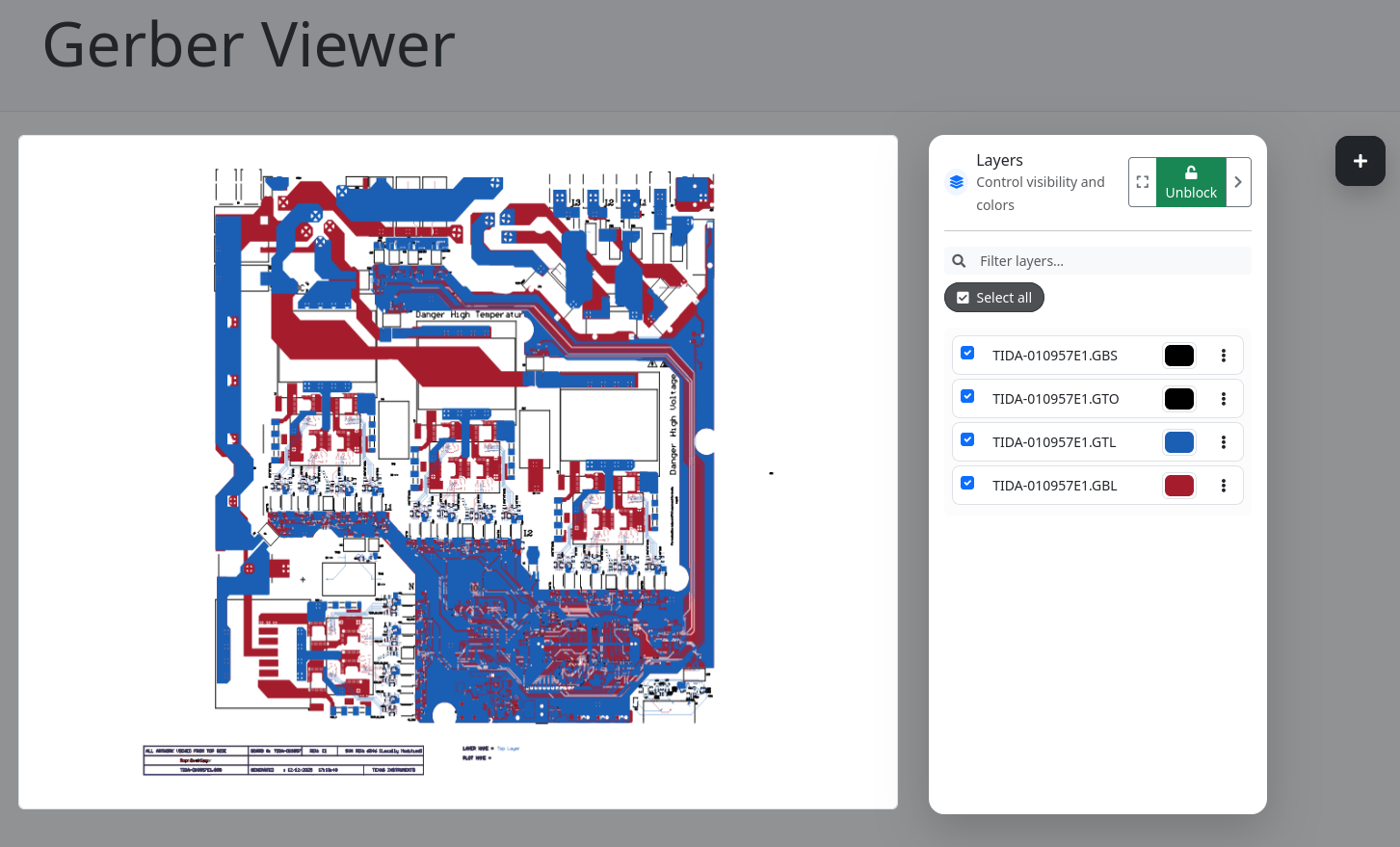
Inside the app
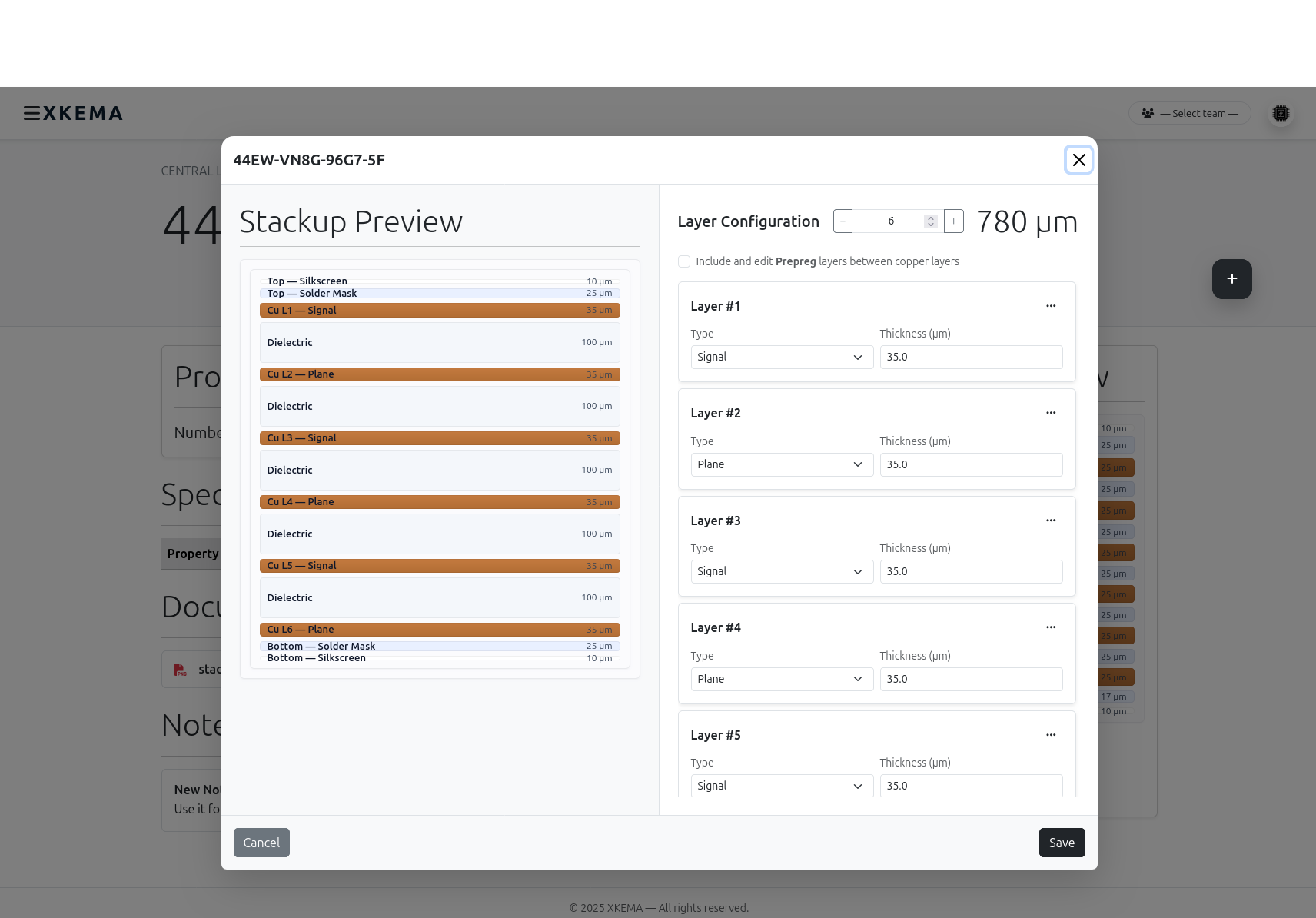
Define and edit PCB stackups directly in XKEMA, with all parameters stored in a structured database.
Having stackups recorded and connected to the project provides complete traceability and reduces manual reviews, simplifying the design and validation workflow.
Inside the app
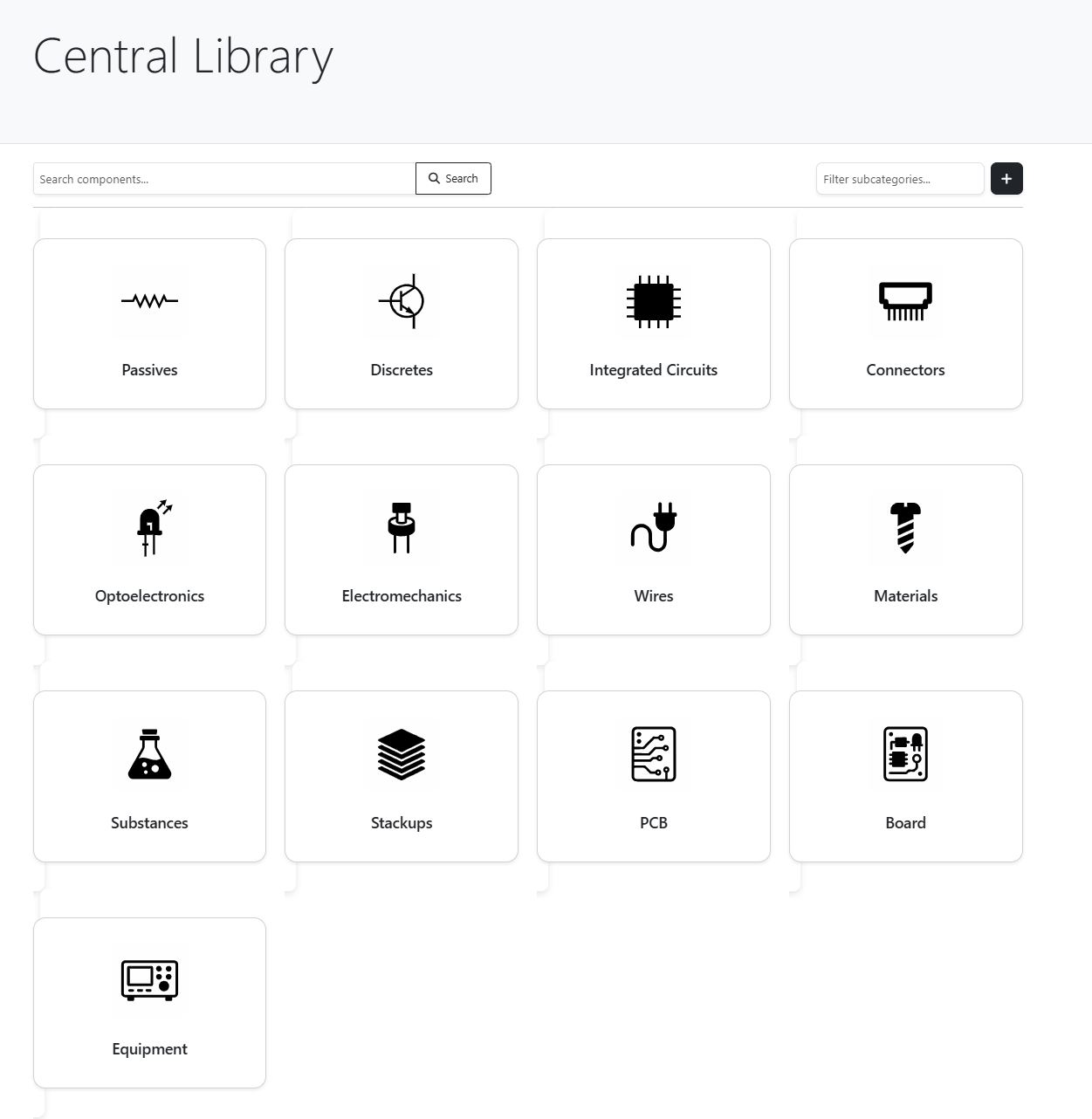
Work with a centralized library where components, boards and equipment are stored in a single database, ready to be reused across different projects.
Having a common library connected to projects provides complete traceability of where each element is used and simplifies maintenance and design evolution.
Join the early access list and try XKEMA on a real project. Limited access, direct feedback and evolution guided by real use cases.

Inside the app
Access a real XKEMA viewer to browse components, review technical information and understand how work flows inside the platform.
Open the viewer full size to interact with the app and understand how XKEMA fits into your daily workflow.
Explore interactive demoInside the app
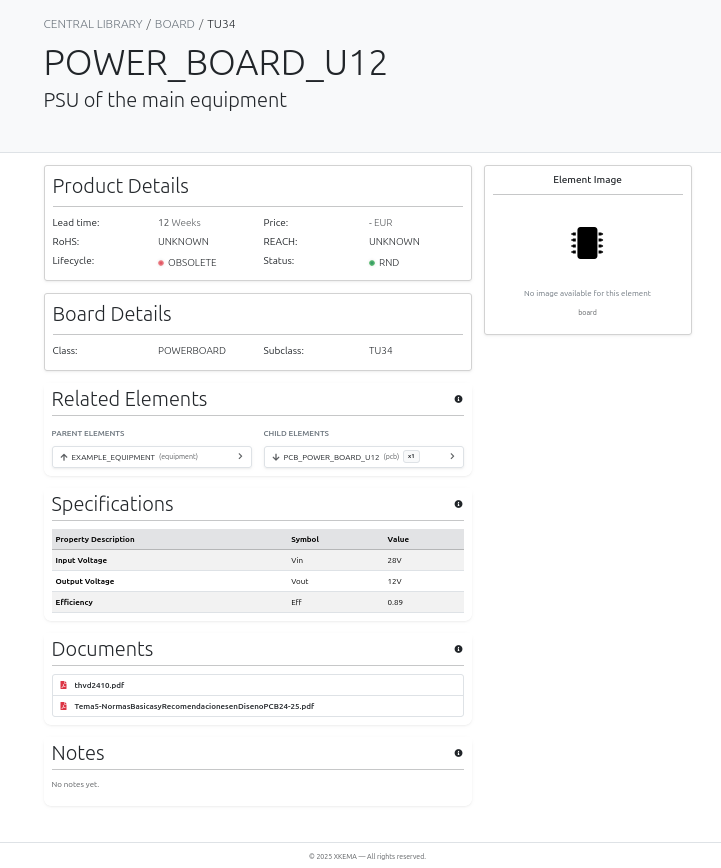
Access a board viewer where each PCB has its associated technical datasheet, always linked to the project and the central library.
Having boards and their datasheets connected provides clear traceability between design, documentation and decisions, simplifying the technical follow-up of the project.
Inside the app
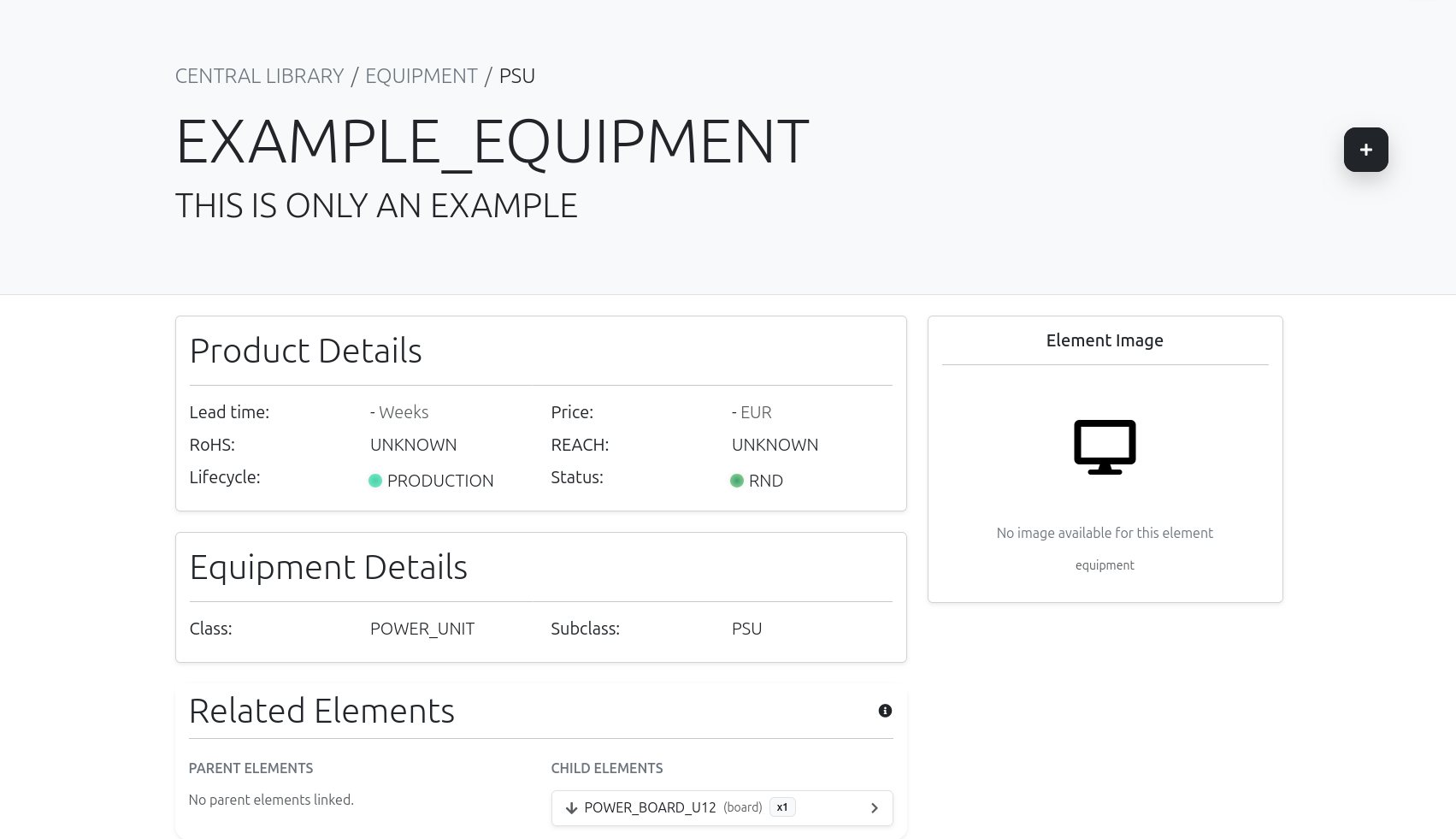
Review each complete piece of equipment with its structure, documentation and associated technical datasheet, all connected in a single view.
Having equipment defined and documented on the platform provides clear traceability from the system down to each element, simplifying technical follow-up and project management.