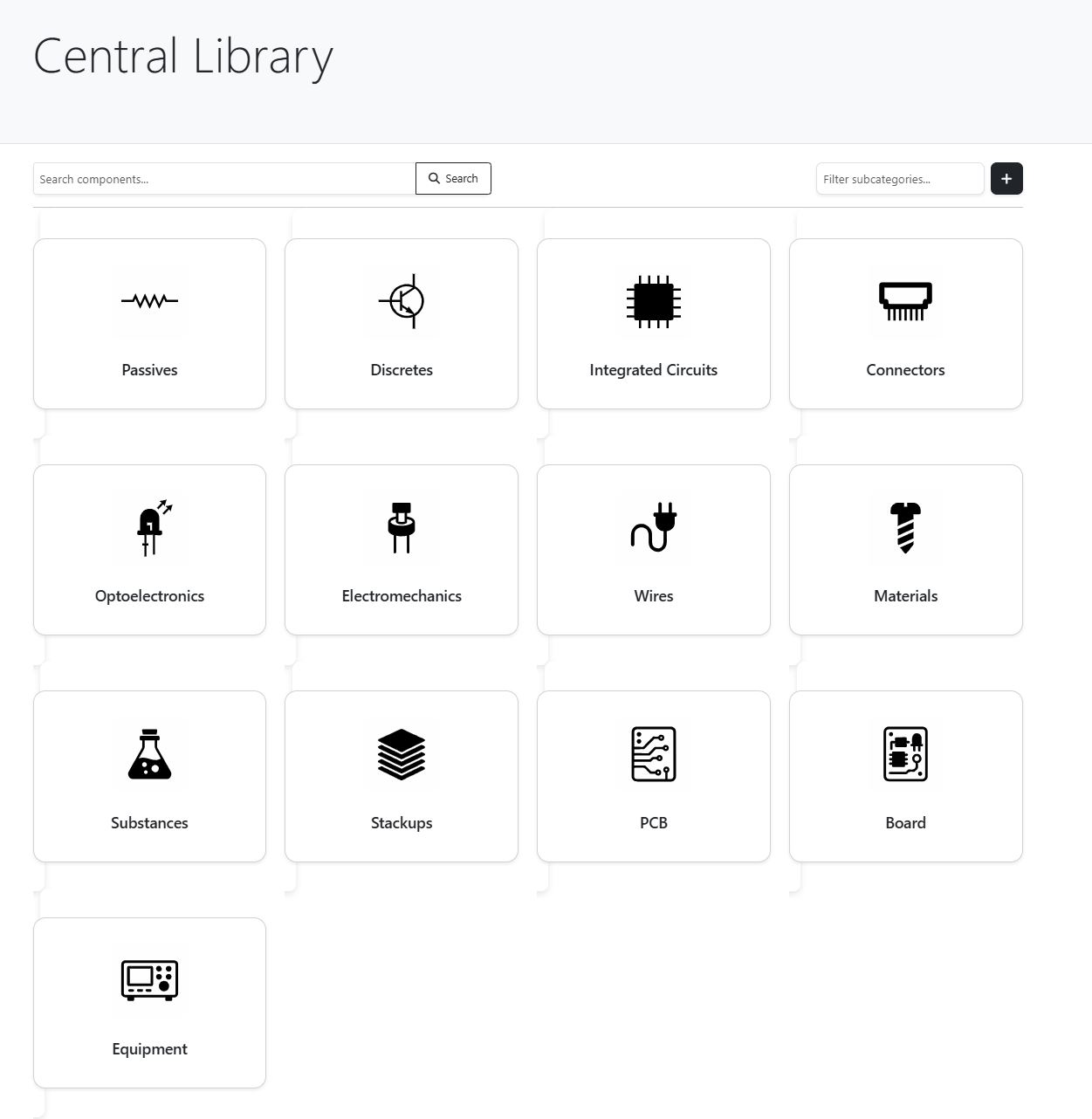
Central library
Clear categories, fast search and a single entry point to all the team’s hardware.
- Structure by classes and subclasses.
- Unified search by reference.
- Direct access to pages and documents.
Bring together in a single platform the functionality of SAP, SVN and DOORS: document management, schematic versioning, requirements management and a connected component library.
Video pitch
Discover how XKEMA eliminates rework, centralizes hardware documentation and keeps your whole team aligned around a single source of truth.
Note: in this video you can see what it is like to work inside XKEMA: browse projects, review boards, consult components and understand the real state of a design in seconds.
Direct benefits
Simplicity and efficiency from day one.
Requirements, schematics, BOMs and technical documentation in a single application. One system for the whole team.
Smart documents linking schematics, BOMs, requirements and design decisions. Full end-to-end traceability, travel back in time in a single click.
Less searching, fewer errors, more design. Organized and connected information so the team can focus on building better products. Fluid interface, with no friction or unnecessary learning curve.
Inside the app
This is what XKEMA looks like inside: a central library for browsing and searching, a unified page per reference and an integrated Gerber viewer to review boards without leaving the environment.
Clear categories, fast search and a single entry point to all the team’s hardware.

Key data, relationships and documentation in a single panel: fewer tabs, fewer “which one was the right one?”.
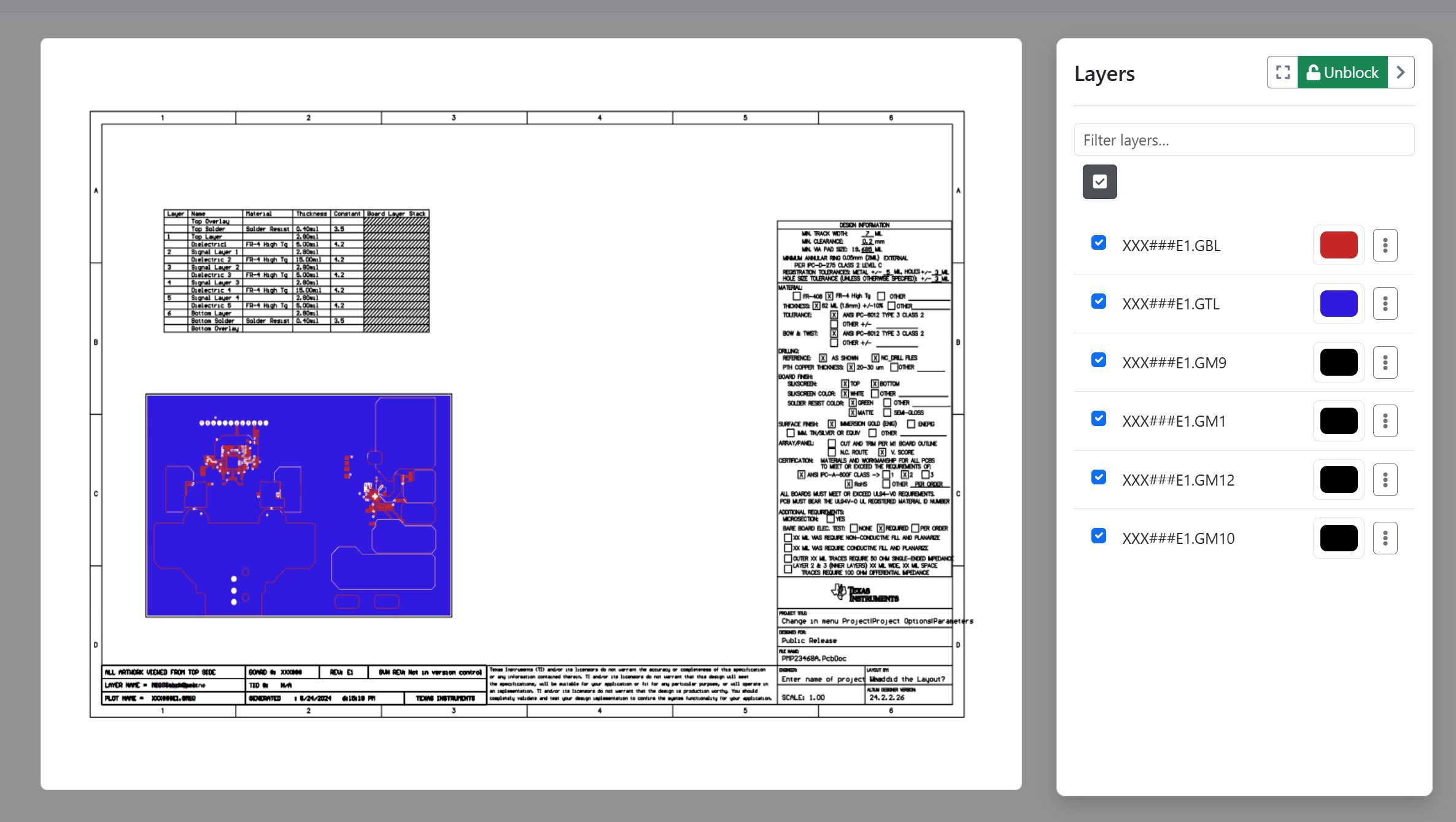
Review layers and details without changing tools: the design context stays with you.
Use cases
XKEMA adds value when hardware stops being an isolated experiment and starts to grow: more versions, more people and more decisions that need context.
Fast growth and constant iterations.
It lets you move faster and with less friction: less rework and a scalable product
Prototypes, testing and failures. Solved!
It enables fast changes without losing control: revisions, BOM and technical decisions always aligned with an agile workflow.
Serial production and multiple revisions.
It ensures manufacturing always uses the correct version: final Gerbers, approved BOM and changes traced by revision and customer.
XKEMA is in the early adoption phase, with teams that want to bring order without slowing development. If you want to see whether it fits your context, the next step is simple.
No spam. No weird commitments. Just an honest conversation about whether XKEMA can save work for your team.
Inside the app
Access a real XKEMA viewer to browse components, review technical information and understand how work flows inside the platform.
Open the viewer full size to interact with the app and understand how XKEMA fits into your daily workflow.
Explore interactive demo
How it works
XKEMA does not replace Altium, KiCad or your CAD tool. It sits on top to provide structure. projects, teams, boards, PCBs, BOMs, requirements and decisions are connected and centralized in a database.
Instead of chasing files, consult a single view to understand what exists, what is missing and what is out of sync.
Define projects, teams and your configuration elements: boards, modules, components, etc.
Upload key documents and link schematics, BOMs and requirements together.
Use XKEMA as the starting point to review project status and make design decisions.
Tell us how you work and what problems you are running into. We will be glad to review it with you and tell you honestly whether XKEMA can help.
Frequently asked questions
If you made it this far, you have probably already suffered some of these problems. These answers help you better understand what role XKEMA can play in your workflow: what changes, what does not change and what you gain.